Français · English
Read your PBIP projects on your Mac
Data model, DAX measures, relationships, pages and visuals: a whole PBIP project at a glance, without changing a thing. A native app and a command-line tool, free and open source.
⬇ Download for macOS · Install from source · Source code
macOS 13 or later · Apple Silicon and Intel · MIT license
Features
Open a .pbip file or a .Report / .SemanticModel folder: PBIR and PBIR-Legacy, TMDL and
model.bim.
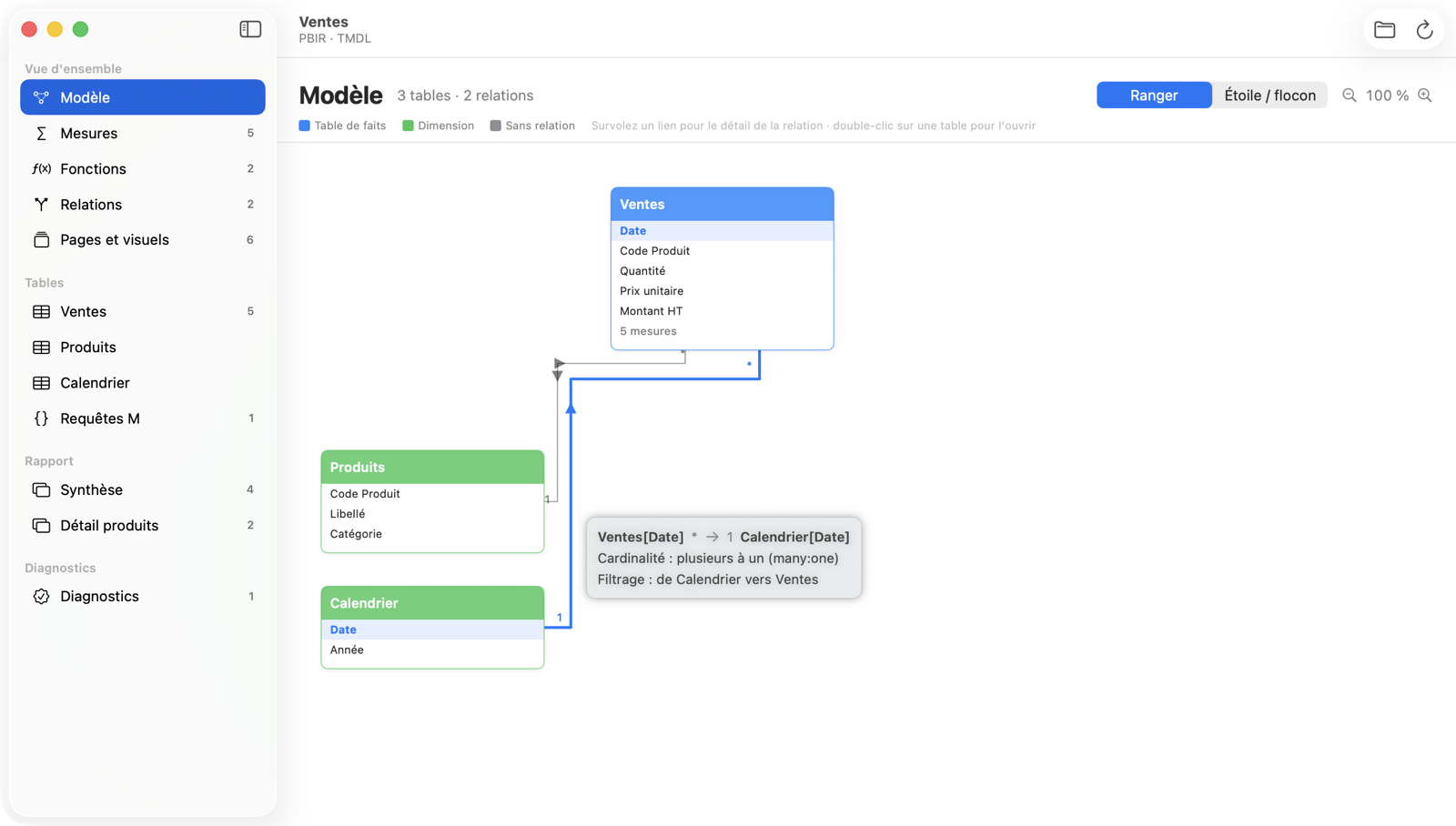
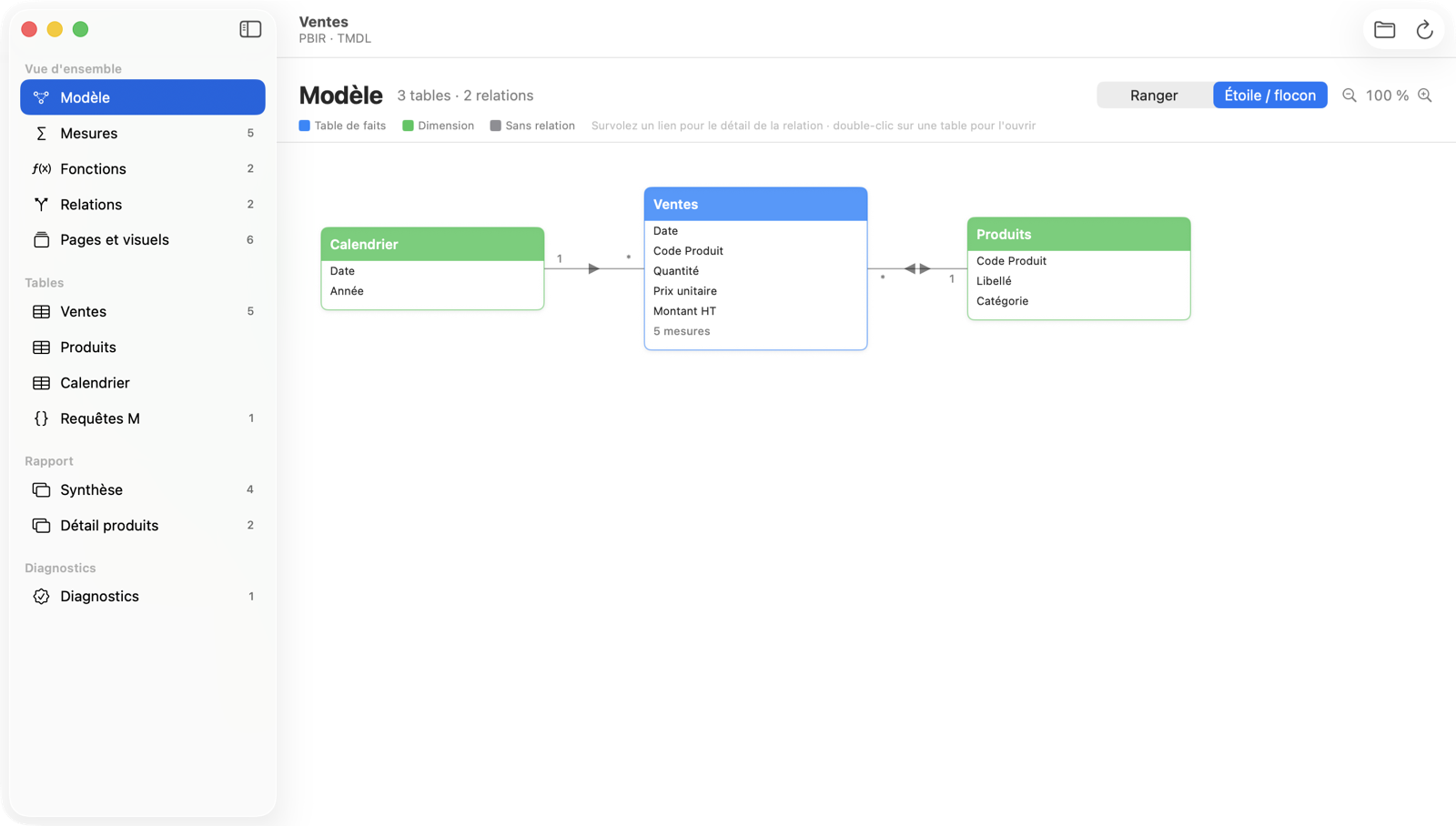
- Model diagram: fact tables on top and dimensions on the left, or a star / snowflake layout. Hovering a link shows the relationship.
- Measures and folders: every measure by display folder, highlighted DAX, search, and where each one is used in the report.
- DAX user-defined functions: parameters, types, defaults, body and callers.
- Relationships filterable by table or column, with cardinality and filter direction.
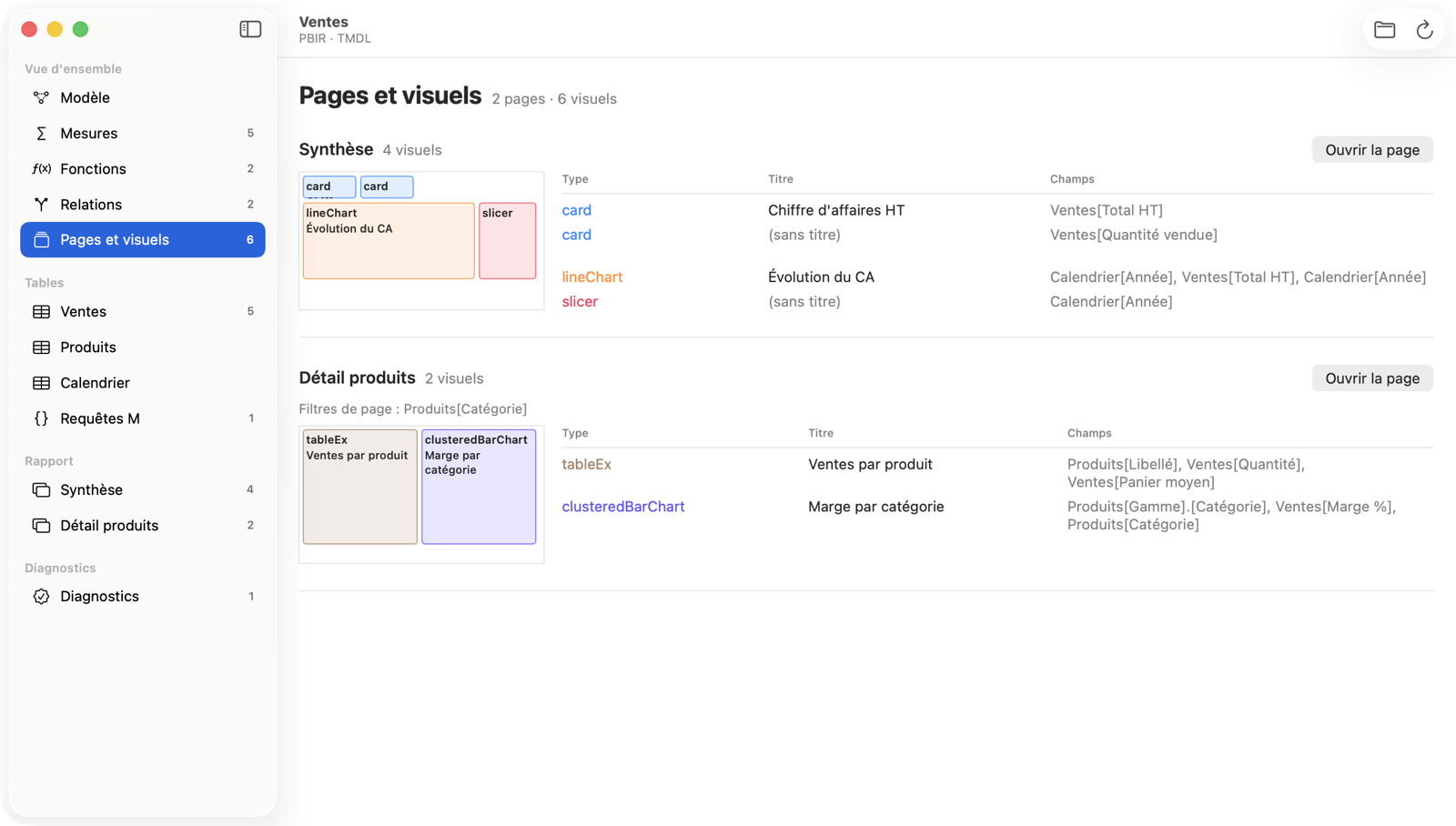
- Pages and visuals: a sketch of every page from visual positions, and the fields behind each visual.
- Read-only, with diagnostics: no file is ever modified; broken references, unknown fields and unused measures are reported.
The app’s interface is in French.
 |
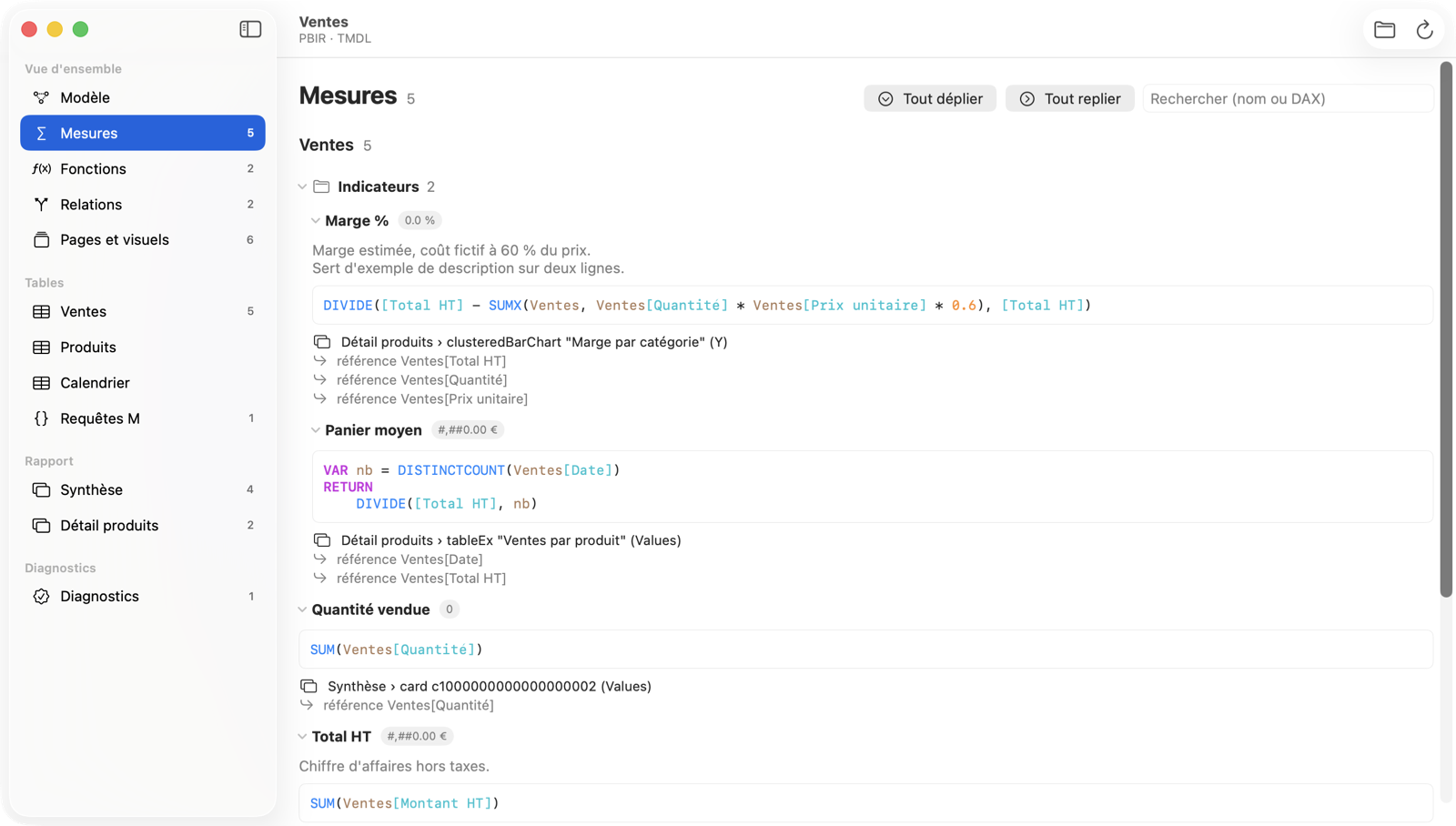 |
| “Star / snowflake” layout | Measures by display folder |
 |
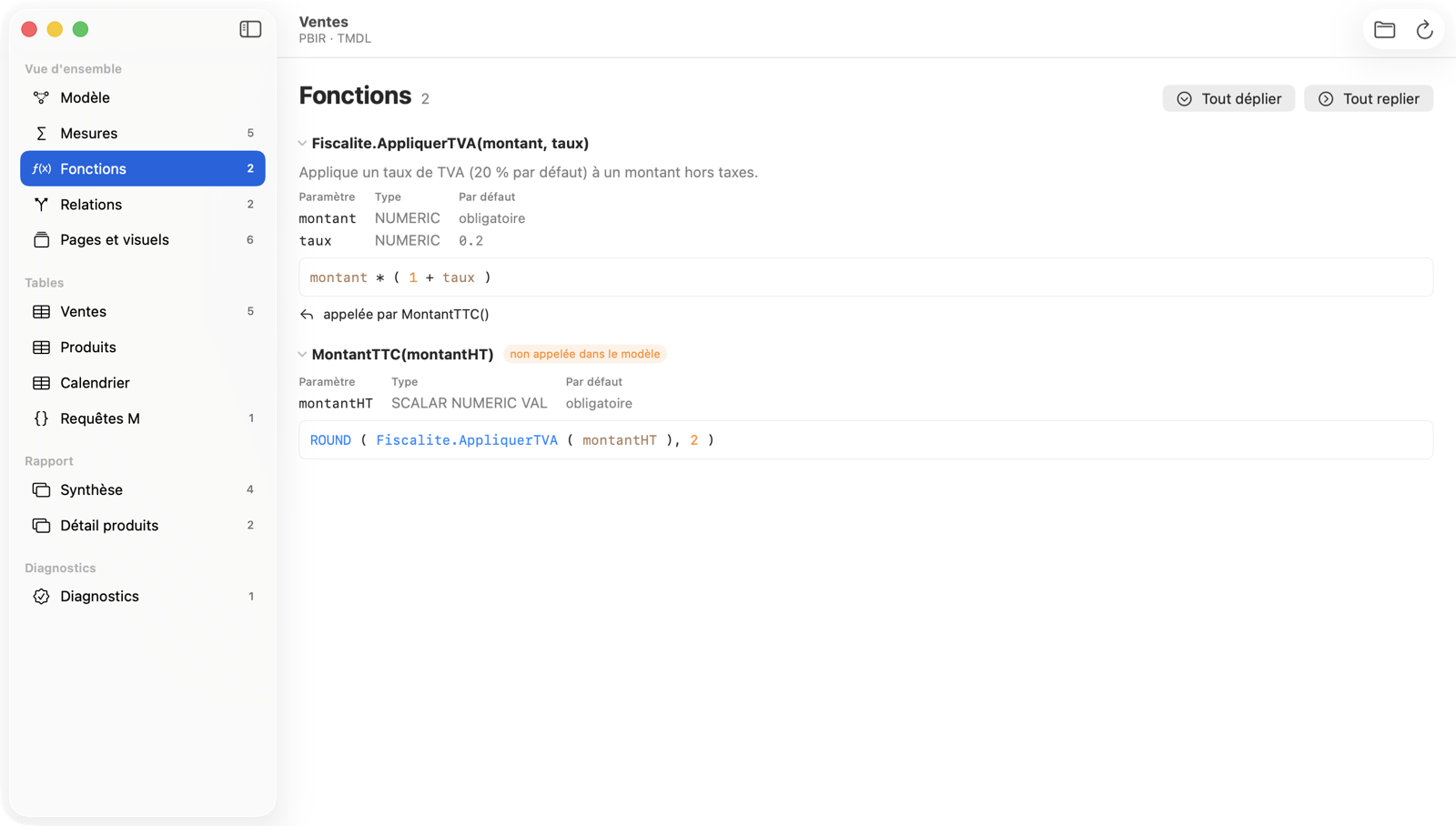 |
| Pages and visuals | DAX user-defined functions |
Installation
The app needs no account and connects to nothing.
Download the app (easiest)
- Download PBIP-Reader.dmg.
- Open it and drag “PBIP Reader” onto the Applications folder.
- Launch it from Launchpad or Spotlight, then
⌘Oto open a project.
The app is signed and notarized by Apple. Every version is on the releases page.
Install from source
Once, if Apple’s developer tools are not installed:
xcode-select --install
Then, to put the app in the Applications folder:
git clone https://github.com/florentinodsn/pbip-reader.git
cd pbip-reader
Scripts/make-app.sh /Applications
To update: git pull, then the same last command.
Command line
The same information as text, JSON or Markdown, plus a validate command built for CI.
To install, from the pbip-reader folder:
swift build -c release
sudo mkdir -p /usr/local/bin
sudo cp .build/release/pbip /usr/local/bin/
pbip info     MyReport.pbip    # formats, pages, visuals, tables, measures
pbip model    MyReport.pbip    # tables, columns, DAX, relationships, M, functions
pbip report   MyReport.pbip    # pages and visuals with their fields
pbip lineage  MyReport.pbip    # what uses what, both ways
pbip validate MyReport.pbip    # diagnostics, exit code 1 on errors
MIT license · source code
This project is neither affiliated with nor endorsed by Microsoft. Power BI is a trademark of Microsoft Corporation.